
The short answer: AI and GPU workloads consume far more power per rack than traditional servers — often 30–100+ kW compared to 5–10 kW for a typical enterprise rack — which means colocation facilities need higher-capacity power feeds, denser cooling (often liquid-based), and reinforced floor and rack infrastructure to support them. Not every data center can accommodate high-density AI deployments without significant retrofitting; providers with 2N power architecture, expandable N+1 chiller capacity, and customizable “power pod” configurations are built to handle the jump.
As more businesses move AI training and inference workloads out of hyperscale cloud environments and into dedicated hardware, colocation has become an attractive option: it offers the control and cost predictability of owning your own GPUs without the capital burden of building a private data center. But AI/GPU hardware behaves very differently from a standard web or database server rack, and that difference shows up almost entirely in power and cooling.
| Factor | Traditional enterprise rack | AI/GPU rack |
|---|---|---|
| Typical power draw | 5–10 kW | 30–100+ kW |
| Cooling approach | Standard air cooling (CRAC/CRAH, hot/cold aisle containment) | Often requires liquid cooling (direct-to-chip, rear-door heat exchange, or immersion) |
| Rack weight | Standard load ratings | Above-standard — dense GPU chassis and cooling hardware add significant weight |
| Power delivery | Single or dual standard PDUs | High-amperage circuits, often with dedicated power pods |
| Floor planning | Uniform rack spacing | May require dedicated zones separated from standard density racks |
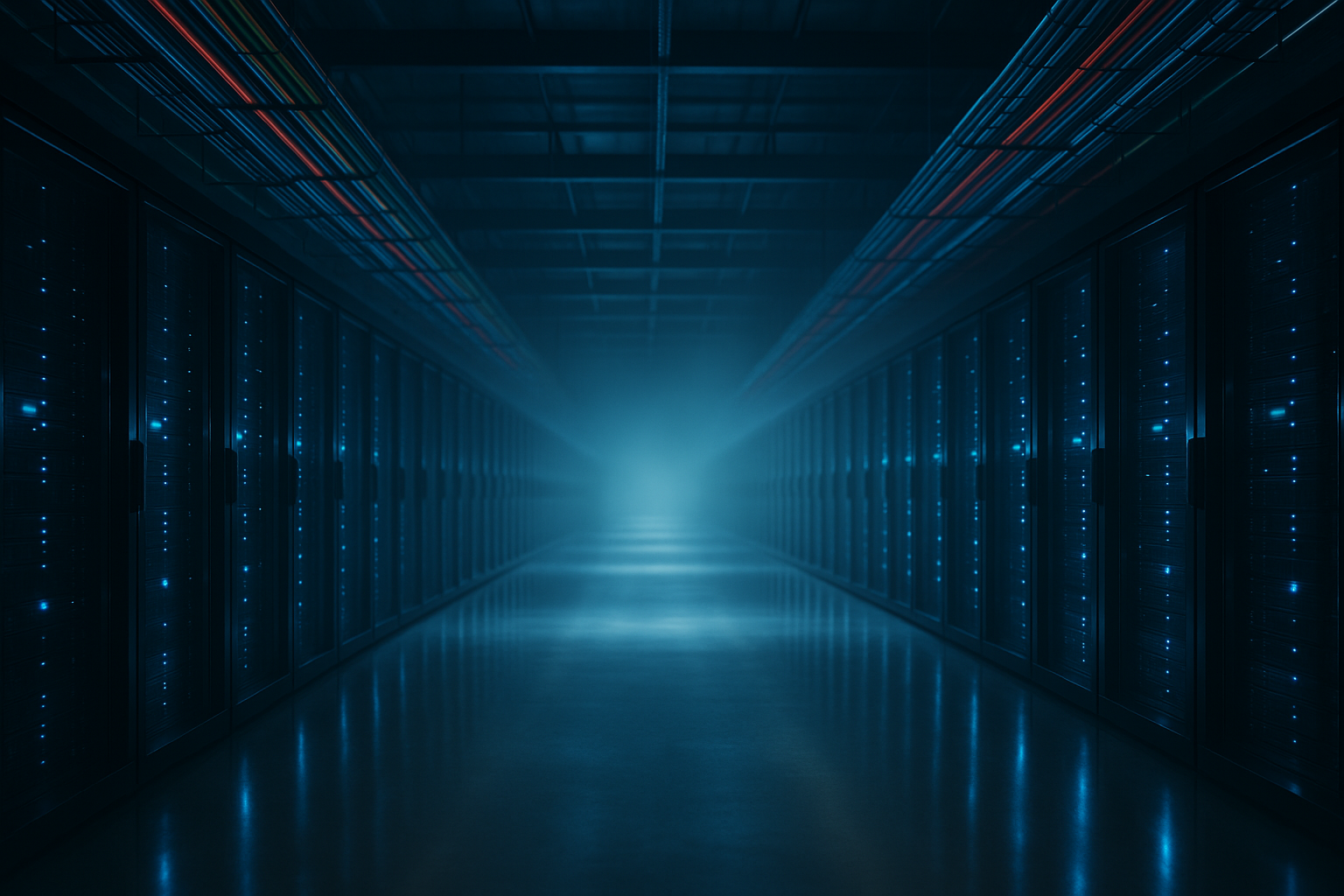
A single high-end GPU can draw 700 watts or more under full load, and AI servers typically pack 4 to 8 GPUs per chassis alongside high-throughput networking and NVMe storage. Multiply that across a full rack of GPU servers and you land well outside the power envelope a standard colocation cabinet was designed for. Where a legacy enterprise rack runs comfortably at 5–10 kW, a rack built for AI training can require 30 kW, 50 kW, or in the densest GPU cluster designs, over 100 kW.
That power difference cascades into everything else: circuit sizing, PDU capacity, and ultimately how much heat has to be removed from the room.
Standard air cooling — CRAC/CRAH units paired with hot and cold aisle containment — works well up to a point, but airflow alone struggles to remove heat efficiently once rack density climbs much past 15–20 kW. That’s why high-density AI and GPU deployments increasingly rely on liquid cooling:
Whatever the method, cooling redundancy matters just as much for AI racks as it does for standard ones. See our breakdown of N+1 and 2N redundancy models for how that redundancy is typically architected.
High-density racks raise the stakes on power redundancy: losing power to a rack pulling 60 kW is a far more expensive failure than losing power to a rack pulling 6 kW. A 2N power architecture — fully duplicated power paths where either path alone can carry 100% of the load — is the standard enterprises should look for when siting AI hardware in colocation. For a deeper look at how power redundancy works in practice, see our guide to data center power, cooling, and redundancy.
Our Downtown Los Angeles facility is fed by a 5 MW dedicated substation drawing from two utility grids, backed by dual Cummins generators and dual fuel tanks for redundant power. Cooling is delivered through an N+1 chiller plant with room to scale to 1,140 tons, using hot aisle containment to keep density manageable. For workloads that exceed standard 1.5–10 kW rack allocations, we offer customizable power pods with flexible power and cooling configurations, plus 48-inch deep cabinets built to handle above-standard rack weights. If you’re planning an AI or GPU deployment, our team can help scope the exact power and cooling profile you’ll need — get in touch to talk through your requirements.
A typical enterprise rack draws 5–10 kW. An AI/GPU rack can draw anywhere from 30 kW to over 100 kW, depending on GPU density and server configuration.
Not always, but once rack density climbs past roughly 15–20 kW, air cooling alone becomes inefficient. Most serious AI/GPU deployments use some form of liquid cooling — direct-to-chip, rear-door heat exchange, or immersion.
No. Many facilities are designed around standard 5–10 kW rack allocations and would need significant retrofitting — additional power feeds, upgraded cooling, reinforced flooring — to support high-density AI hardware.
For sustained, predictable training or inference workloads, colocating owned GPU hardware is typically more cost-effective over time than renting cloud GPU instances at a usage-based rate. For a broader comparison of the two models, see our guide on colocation vs. cloud hosting.
Given the cost and criticality of GPU hardware, 2N power redundancy is generally recommended over N+1 for AI deployments, ensuring either power path alone can carry the full load if the other fails.
AI and GPU workloads don’t just need “more” power and cooling — they need a fundamentally different density profile than most colocation facilities were originally built for. Before committing to a provider, get specific about kW-per-rack capacity, cooling technology, floor loading, and redundancy model. A facility that can answer those questions with real numbers, not general assurances, is one that can actually support your deployment as it scales.
© 2025 Downtown Properties LLC. All rights reserved.